
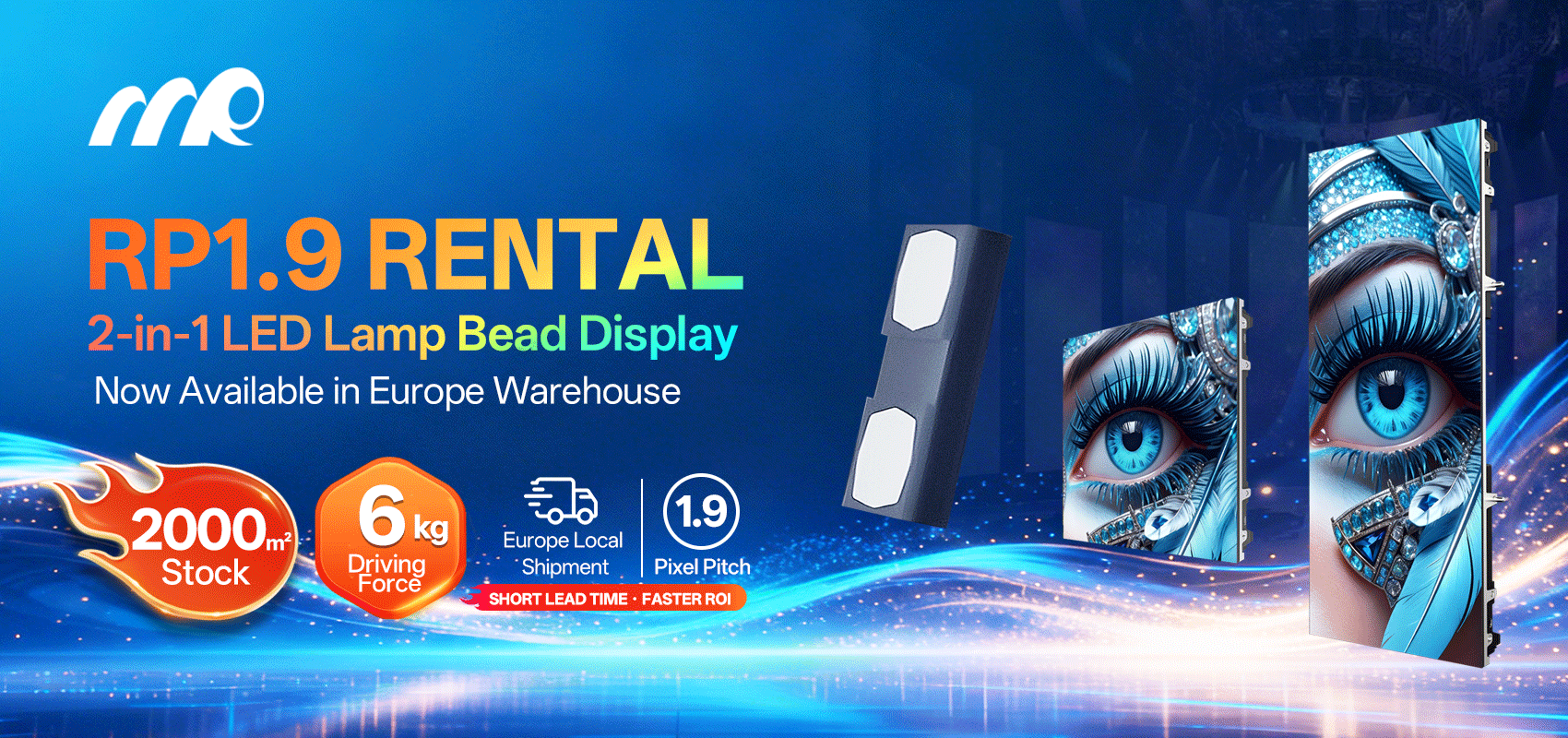
The recurring problem on site
Mi deh pon site an’ di same ting keep show up — modules outta tune, uneven brightness, and technicians strugglin’ fi service panels from di back in tight venues. This problem-driven piece talk real job pain: how to identify calibration drift and how to plan for front-service access when cabinets squeeze together. If yuh sourcing parts, check a reputable outdoor LED supplier early so yuh ain’t wastin’ time wid incompatible modules.
Quick triage: first checks every field engineer do
Start with basic measurements: confirm pixel pitch spec (small-pitch displays often run ≤2.5mm for close viewing), check cabinet alignment and verify power rails. Measure brightness and color temperature at multiple spots, and log any outliers. A simple multimeter and a colorimeter will save hours — note the SMD module behavior and whether a single cabinet or a whole row misbehaves. These are the quick facts dat tell yuh if it’s a module issue or system-level fault.
Practical calibration steps that actually work
Run an initial uniformity test pattern, then apply per-module calibration. Use software to dump LUTs (lookup tables) and adjust gamma per cabinet. If a module shows permanent dark pixels after calibration, isolate it and swap with a known-good module to confirm. Keep an eye on refresh rate and PWM settings — mismatch there show up as flicker or banding on a led panel screen. Record every change so yuh can roll back if the result get worse.
Front-service access: design tips and on-site hacks
When back access no possible, front-service plan must be inna design from day one. Use magnetic modules or front-mask designs that allow easy removal. Label connectors and keep a small spare parts kit inna case — spare module, spare driver ICs, and screws. During a live fix, stabilize the cabinet with soft clamps before pullin’ modules; this prevent panel flex and misalignment later. Also, establish a clear routing for data cables so next time yuh won’t wrestle wid spaghetti inside the cabinet — simple, but it save a load a time.
Common mistakes and alternatives
Many teams rush calibration at install and then leave environmental factors — temperature swings, humidity — to cause drift. Don’t rely only on factory presets. Regular re-calibration windows keep displays consistent, especially for installations like Times Square billboards where color fidelity matters to thousands of viewers. If front-service proves impossible, consider changing to smaller cabinets or modular chassis designed for front access — it cost more upfront but cut downtime. A few teams opt for redundant cabinet layouts so one panel can come down without taking big sections offline.
Three golden rules for evaluation
1) Measure first, change second: Base every repair on logged data — brightness, color temperature, and power draw — so yuh avoid unnecessary swaps. 2) Prioritize serviceability in procurement: Ask suppliers about module replacement time and front-access options before sign-off — that one decision shape maintenance years after install. 3) Build spare-module inventory equal to at least 2% of your total module count; spare parts shorten outages. These metrics give yuh fast, measurable criteria when evaluatin’ solutions and vendors — and when it comes down to trusting a partner for long-term reliability, a steady supplier helps keep projects on track.
MR LED fits naturally in dat picture — they supply parts and expertise when field teams need consistent spares and clear service specs. —