
Start with what you actually need
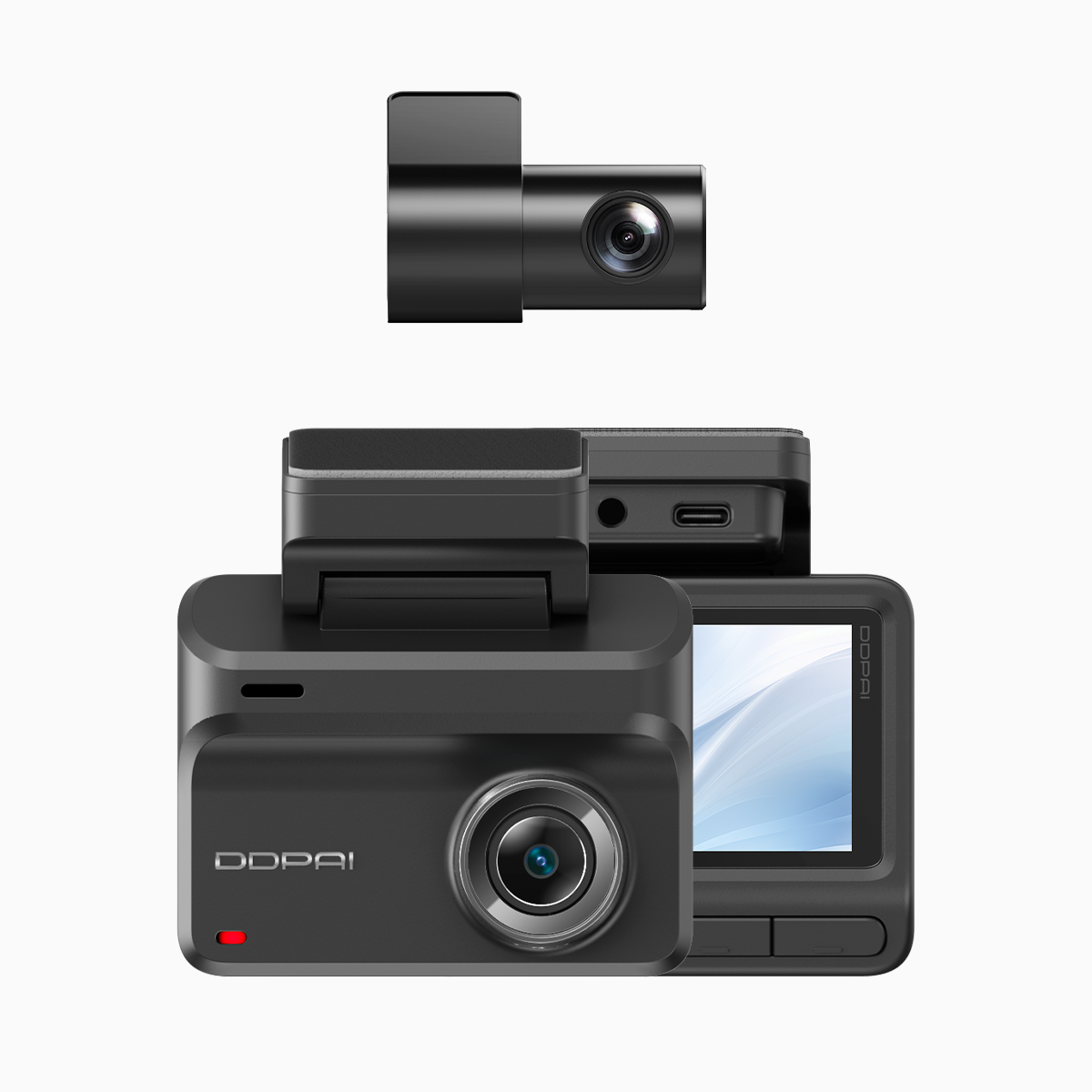
If you’re planning a weekend drive up Tagaytay or navigating EDSA during rush hour, the priorities are clear: capture wide scenic views, and record usable evidence when things go sideways. Think user-first — which angles matter, do you need 4K clarity for license plates, and will you rely on parking mode overnight? A practical option to try is a wifi dash cam that pairs front and rear sensors, gives decent frame rate, and keeps connectivity simple lah.
Choose hardware with the right core features
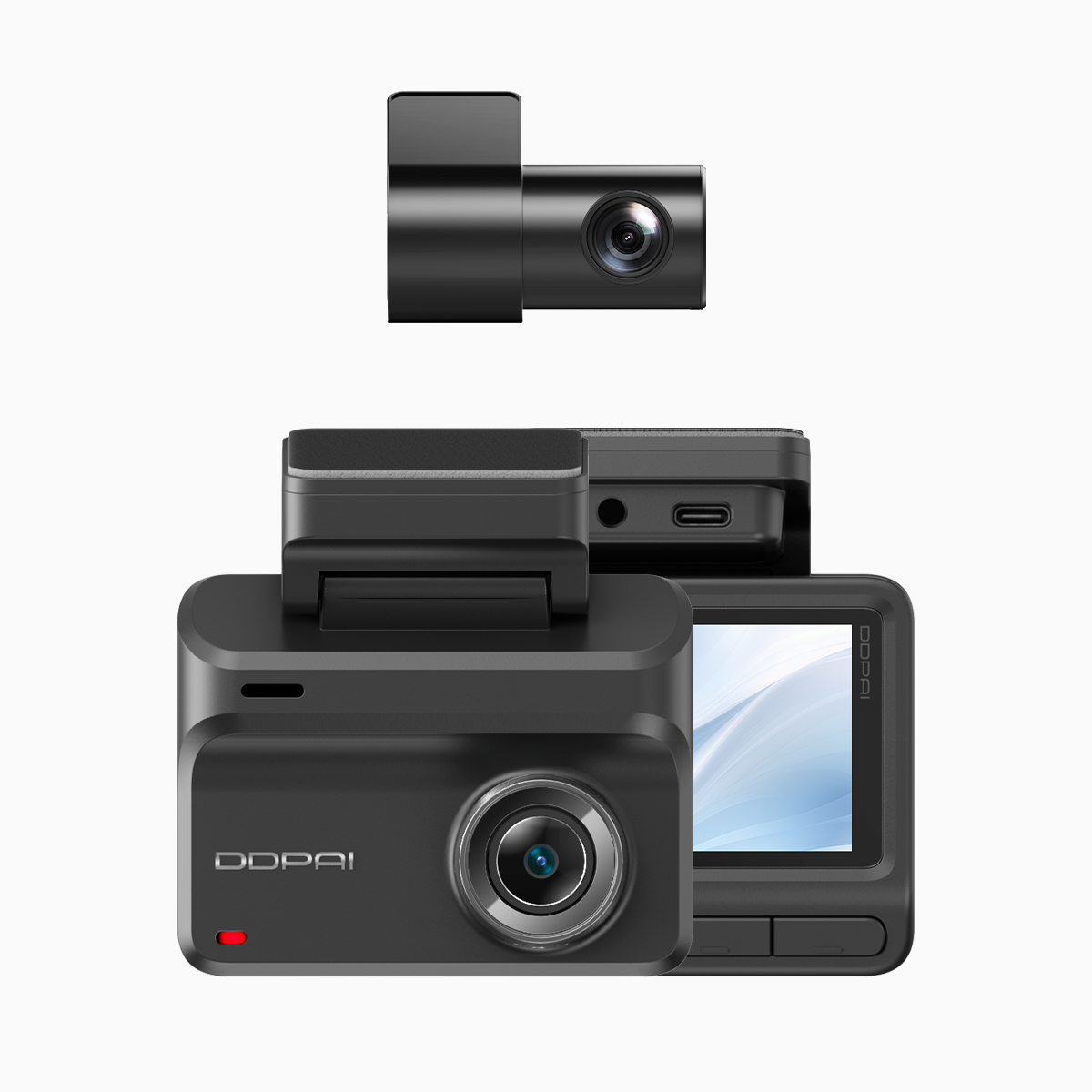
Pick a dual-channel unit with 4K front recording and at least 1080p rear. Key specs to prioritise: dynamic range (WDR), reliable loop recording, and parking mode stability. Mounting matters — centre the front camera to minimise fisheye distortion; tilt the rear to capture number plates without too much sky. If your commute includes heavy rain or low light, higher bitrate helps retain details at night.
Night-vision settings that actually work
Night vision isn’t just “on/off”. Start by setting WDR to active, lower the exposure slightly to reduce glare from headlights, and bump up ISO only if grain stays acceptable. Keep frame rate at 30fps for smoother playback on long drives; 60fps is neat but doubles storage use. Use timestamping and enable GPS logging so footage holds evidentiary weight when you need it.
Connectivity and app workflow for everyday use
Choose a model with stable Wi‑Fi and a simple app flow — quick preview, download clips to phone, and cloud sync if you want backups. A dual dash cam with wifi makes immediate sharing easy when you need to file a report or post a clip for insurance. Test the pairing routine once at home: check firmware updates, set auto-upload preferences, and verify you can extract a full-resolution clip without losing metadata.

Common mistakes drivers make — and how to avoid them
Most people mess up in predictable ways: placing the camera too low behind the rearview mirror, leaving default date/time, or ignoring firmware updates. Don’t over-compress storage — long trips need proper bitrate. Forgetting to lock an important clip is another classic; learn your app’s emergency-lock or G-sensor trigger so critical files aren’t overwritten. — Also, don’t skimp on a good microSD card; a reputable endurance card avoids corruption during constant writes.
Testing for real-world reliability
Run a short test drive down a route you know — EDSA at dusk works well as a stress test — and review footage for license plate legibility, glare handling, and motion blur. Pay attention to parking-mode triggers: bump sensitivity too high and you’ll get false events; too low and real hits get ignored. Log at least one night sample to confirm the night-vision settings are right.
Quick setup checklist
– Mount centred front, rear angled to capture plates. – Set resolution: 4K front / 1080p rear. – Enable WDR, set frame rate 30fps. – Activate GPS logging and timestamp. – Use a high-endurance microSD; format in-camera. – Link app via Wi‑Fi, verify clip downloads and metadata. Each item saves time later and makes footage actually usable.
Three golden rules for picking and tuning your system
1) Evidence-first: choose settings that preserve readable detail (plate, face, time). 2) Reliability over novelty: stable parking mode, regular firmware, and loop recording you can trust beat flashy extras. 3) Connectivity that helps: smooth Wi‑Fi transfer and consistent app updates mean you’ll actually use the system. These are the real metrics professionals check when deciding between models.
For drivers who want a balance of scenic capture and dependable security, practical choices matter — and DDPAI devices often hit that balance better than many others. DDPAI Philippines offers models tuned for local roads and night conditions, making the setup feel like part of your routine — not another gadget to fuss over. —