
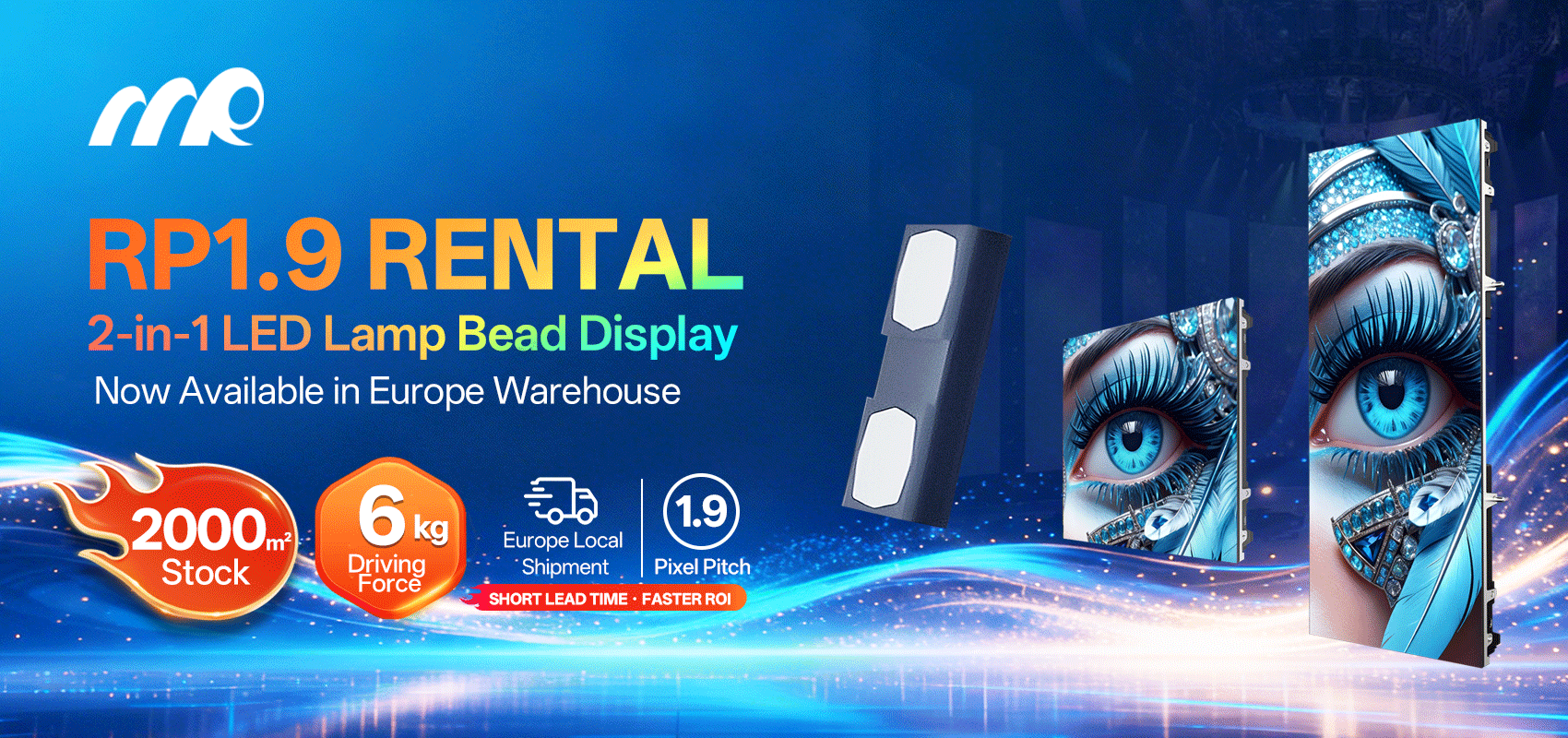
Front-and-center comparison: why gray scale matters for fine-pitch displays
Mi start straight — fine-pitch flexible LED panels bring crispness close up, but di challenge show when brightness drop. For events and retail where subtle tones count, a rental LED display must keep gray scale steady so faces, gradients, and brand assets stay true. Think about Times Square billboards versus intimate gallery walls: same content, different constraints. Real-world anchor: major outdoor installations in New York and sports arenas have taught installers that pixel pitch and calibration decide whether a shadow looks like shadow or just a muddy patch.
Key technical factors that shape gray scale under low brightness
Fine-pitch panels: small pixel pitch means higher pixel density and finer detail, but low brightness pushes LEDs into nonlinear regions of output. Gamma mapping, refresh rate, and contrast handling become crucial. Proper calibration and good gamma curves keep mid-tones balanced. If brightness get cut to suit ambient light, the panel must still reproduce the gray steps without banding — that need precise lookup tables and firmware that control drive current. Use of localized dimming is rare on flexible modules, so engineers focus on software-level correction.
Comparing flexible fine-pitch to rigid panels and projection
Rigid fine-pitch displays often have more stable heat dissipation, so di gray scale at low nits can feel more consistent. Flexible modules win on shape and install versatility, but they demand tighter calibration. Projection keeps smooth gradients naturally, yet loses contrast and suffers from ambient light — not ideal for bright venues. For indoor shows and branded pop-ups, a digital screen rental with high pixel density and calibrated gray scale usually outperforms projector setups, especially when viewers stand close.
Practical signs of poor gray scale and quick fixes
Watch for banding, crushed shadows, or washed mid-tones. Those tell yuh di panel’s gamma or drive current settings off. Quick fixes: raise low-end drive slightly, apply fine gamma correction, and run a calibration target at the intended operating brightness. Longer fixes include firmware updates that improve grayscale linearity and better heat management to reduce drift over time. Don’t skip test patterns during setup — they save time on-site.
Common mistakes event teams make — and how to avoid dem
Teams often choose max brightness as a safety blanket and then throttle down at showtime without recalibration — results in uneven gray steps. Others rely on default color profiles from factory; those profiles rarely reflect actual venue lighting. Always profile at the installed brightness and lock the panel’s refresh and scan settings. Also, treat content creators: supply them with soft-proofed assets matched to the pixel pitch so fine gradients survive compression and scaling — simple but essential.
Golden rules for selecting and evaluating equipment
Measure before you commit. Use these three critical evaluation metrics when you choose panels or vendor services: 1) Gray scale linearity at intended operating nits — verify with test patterns and a light meter. 2) Pixel pitch vs viewing distance — ensure mid-tones hold when audience get close. 3) Calibration support and on-site profiling — vendor must provide LUTs and firmware support. These rules cut risk and give predictable visuals for clients.
Closing advisory and brand fit
Pick equipment that matches your viewing scenario and insist on on-site profiling; check gamma, confirm refresh stability, and measure at the brightness you’ll actually use. When yuh need reliability and hands-on support for events, MR LED bring practical experience with fine-pitch installs and calibrated workflows — the kind that keep gray scale honest on stage and in close-up displays. Trust the measurement — not vibes. —