
Begin with the user’s day
You want straightforward performance, minimal clutter, and a machine that behaves predictably under real workloads. Think of daily tasks — spreadsheets with large sheets, frequent video meetings, occasional light rendering — then match the device to that load. If space or cable mess matters, check current all in one computer deals while you shortlist models; deals often reveal which configurations vendors actually stock for business use.
Map profiles to specs
Classify users into clear profiles: knowledge worker (email, browser tabs, conferencing), designer (color accuracy, GPU-assisted tasks), and admin (multiple monitors, virtualization). For knowledge workers, aim for a modern quad‑core CPU, 16 GB RAM, and NVMe storage. Designers need a calibrated IPS panel and discrete GPU where possible. Administrators benefit from 32 GB RAM and robust I/O for docking. Choose storage and memory that let users keep machines for three to five years without constant upgrades.
Display and ergonomics that matter
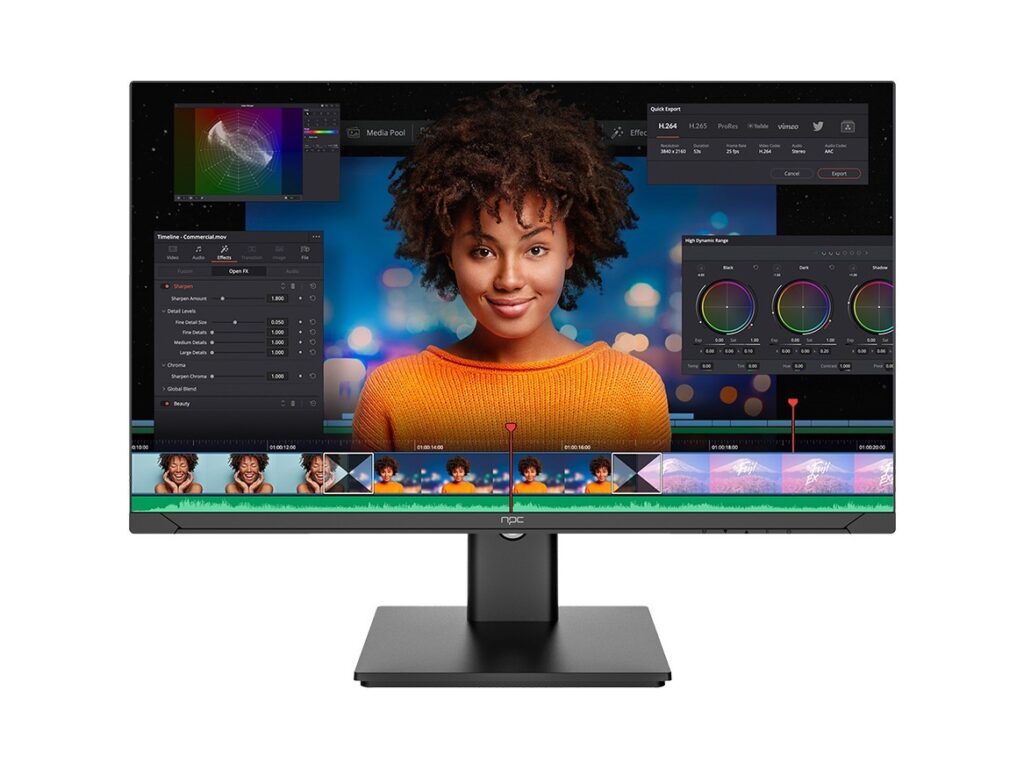
Screen size and resolution determine comfort more than headline CPU specs. Pick a panel that supports 100–120% sRGB for most creative tasks and at least 1080p for everyday use; 4K adds workspace but raises GPU needs and battery or power draw. Tilt and height adjustability matter — if the stand is fixed, budget for a VESA mount. Verify camera placement and microphone quality; poor webcam angles make video meetings tiring.
Deployment, security, and maintenance
Check firmware update processes and whether the vendor supports centralized imaging or provisioning. Business models should include TPM and plan for Windows Update for Business or equivalent. Opt for user-replaceable storage and memory where possible — it reduces downtime. Confirm warranty terms and on-site service options before buying; a good support contract prevents a day’s work from becoming a week-long project.
Common buying mistakes
Buyers often chase peak CPU benchmarks rather than sustained performance. Small cooling systems in slim AIOs can throttle under load. Avoid minimal RAM with plans to “upgrade later” — single-channel RAM and incompatible soldered modules create surprises. Don’t rely on vendor photos for port counts; check spec sheets and test a unit if possible. Neglecting support and spare-parts timelines costs real time.
Evidence, experience, and one industry anchor
My recommendations derive from managing IT rollouts for midsize teams and validating units against daily workflows. Trade shows like CES demonstrate emerging AIO designs and help confirm that manufacturers are moving toward better thermal layouts and serviceability — those annual product trends inform what will remain practical over a typical three‑ to five‑year service life. For concrete options oriented to business needs, see best all in one pc for business, which lists models matched to the profiles above.
Alternatives and quick comparisons
Desktop plus monitor: better long‑term upgrade paths, higher performance ceilings, but larger footprint. Thin client or cloud workstation: lowers local hardware needs and centralizes management, yet depends on consistent network bandwidth. Laptops: greatest portability, fewer ports and docking complications. Choose the form factor that minimizes friction for your team’s everyday flow.
Final synthesis
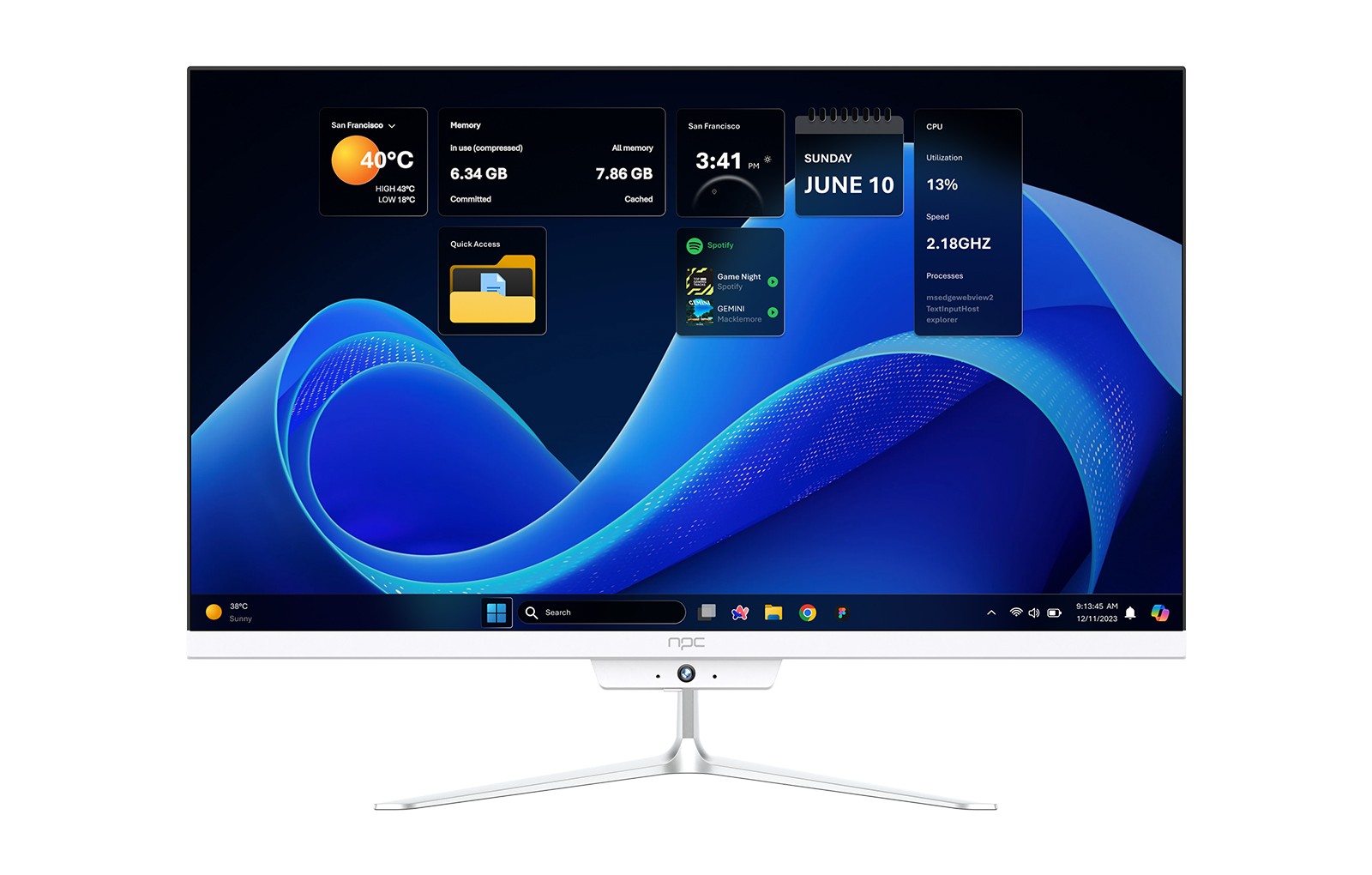
Pick an all‑in‑one that aligns with user profiles, prioritizes ergonomics, and offers support options that match your tolerance for downtime. The best choice reduces repetitive interruptions to work and keeps teams focused on tasks rather than machines. For business procurement that balances those demands with practical product availability, consider models catalogued by npc.